5 Sales Processes You Can Automate Today
Five sales processes worth automating first, lead routing, follow-ups, CRM updates, reporting, and the marketing-to-sales handoff, explained by the team that builds them.
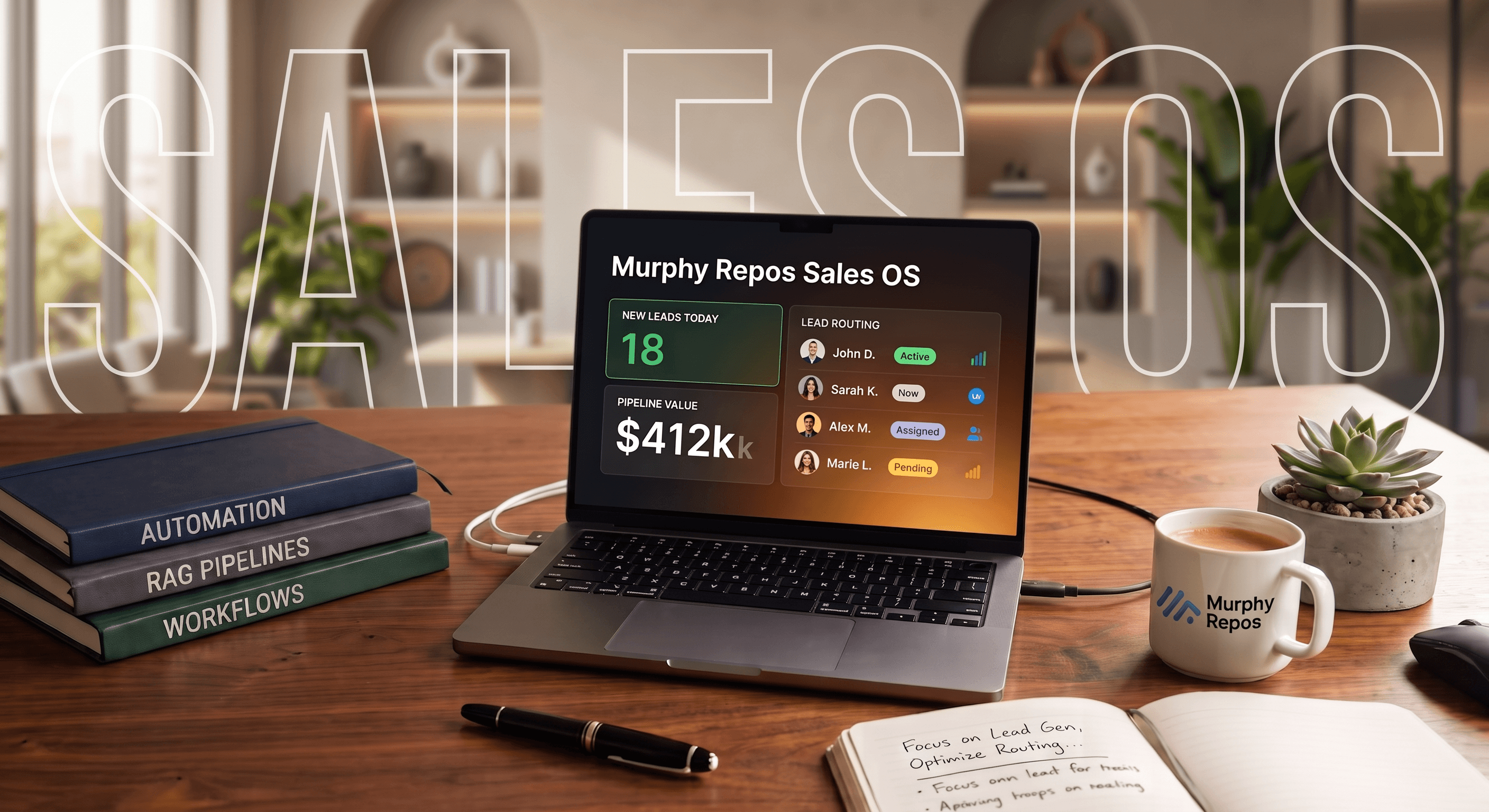
Most sales teams do not have a selling problem. They have a paperwork problem that has been dressed up to look like a selling problem. A third of a rep's week can disappear into copying leads into a CRM, updating deal stages, writing reminders, and assembling pipeline reports from spreadsheet exports. None of that work is difficult, but it quietly takes time away from calls, proposals, and the judgment calls that move a deal forward.
The businesses we work with get the best results when they draw a hard line: anything predictable, repetitive, and administrative belongs to a workflow. Anything that requires reading a room, handling an objection, or making a judgment call belongs to a person. Here are five sales processes you can automate today, and what building them looks like in practice.
1. Lead capture, enrichment, and routing
The first place time gets lost is before a rep has said a single word to the prospect. A form gets submitted, someone reviews it, estimates company size and territory, enters it into the CRM, and tells the right rep it exists. Each task is small, but together they create delay exactly where speed matters most.
A form submission should be treated as an event, not an inbox task. It can be captured automatically, enriched with company size, industry, source, or domain data, matched against routing rules, written into the CRM, assigned to an owner, and pushed to that person immediately. Instead of a bare notification saying 'new lead from Ahmed,' the rep receives useful context: mid-market company, enterprise plan tier, pricing-page source, integration interest, and an assigned next step.
2. Follow-ups that do not rely on someone remembering
A call ending with 'let's touch base after your internal review' is a reasonable intention, but it is not a durable process. Follow-up works better when it is tied to the event that should trigger it. When a call or meeting is logged, the system can create the next task on the correct date, with enough context from the notes to make it actionable.
If the prospect replies first, that reply should cancel or reroute the sequence. If there is no engagement after a reasonable window, the workflow should surface a flag rather than silently lose the deal. The rep still decides what to say; sales workflow automation simply keeps timing from depending on memory.
3. CRM updates that happen as a side effect
CRM data becomes stale when one meaningful action, such as moving a deal to proposal sent, requires several additional updates by hand. The rep has to change the stage, set a date, create the next task, notify the right person, and adjust forecast weighting. Under deadline pressure, some of that will be skipped.
The better pattern is to let one meaningful action carry the rest forward. The rep changes the stage, and that change triggers the follow-up task, date stamp, forecast update, and any escalation required for a large deal. The rep makes the judgment call; CRM automation handles the bookkeeping.
4. Reporting that exists before someone asks for it
A report may take five minutes to read, but building it can consume most of a Friday afternoon. The information already exists; what is missing is a process that assembles it on schedule. Define the metrics the business actually reviews, such as new pipeline, stage volume, activity, conversion, and aging deals, then connect them to a live dashboard or scheduled export.
The result is more than time saved. Reporting becomes a current view of what is happening now, rather than a weekly reconstruction of what happened last week.
5. The handoff from marketing to sales
Marketing knows what a prospect actually did: which pages they viewed, which guide they downloaded, and which pricing tier they explored. When that person reaches the CRM as a qualified lead, the context often gets reduced to a name and email address.
A connected handoff carries that context across the boundary. When a prospect crosses the sales-ready threshold, the workflow updates the CRM record with relevant behavior, assigns the right rep, and explains why the lead is ready. 'Spent fifteen minutes on the enterprise pricing page and downloaded the integration guide' gives a rep a place to start.
Not everything should be automated
Repeatable is not the same as automatable. Negotiations happen repeatedly, but they should not be scripted. Discovery calls often follow a familiar shape, but they still require human attention. The useful test is whether a step requires someone to notice something, weigh something, or say the right thing at the right moment. Mechanical updates belong to a workflow; judgment belongs to a person.
Where AI actually fits
AI earns its place where deterministic rules run out. A lead may submit a paragraph describing a technical problem instead of selecting structured answers. An AI step can interpret the urgency, need, and product area, then hand structured results back to the same deterministic workflow that handles routing, CRM updates, and notifications.
The production architecture is a short relay: AI interprets the parts that need language understanding, automation moves the result through the pipeline, the CRM stores it, and a person acts on it. Adding a language model to a rule that already works, such as routing by zip code, only makes the process slower, more expensive, and less predictable.
Where to actually start
If everything needs automating, slow down. Pick one process with a clear start and end that happens frequently and follows a consistent pattern. Lead routing is usually the strongest starting point because its impact is visible quickly and its logic is contained. Follow-up reminders and CRM updates tied to known actions are close seconds.
After shipping the first workflow, measure whether manual work went down, data became more consistent, information arrived sooner, and reps spent more time in front of customers. Those answers will tell you whether the next process deserves the same investment.
Conclusion
The best sales automation rarely looks dramatic. It is a lead assigned without a spreadsheet, a follow-up task appearing without anyone remembering to create it, a CRM field updating as a byproduct of a rep doing their job, or a report already waiting on Monday morning. Added up across a team and a quarter, those small changes return time to the work only people can do.
Do not automate sales for the sake of automating it. Automate the repetition around your sales process, so the humans in it get their time back for the parts that require them. Murphy Repos builds the automation and AI systems behind revenue teams that would rather sell than do data entry.
Have a project like this in mind?
Tell us where things stand and we will help you scope the fastest path to a working system.